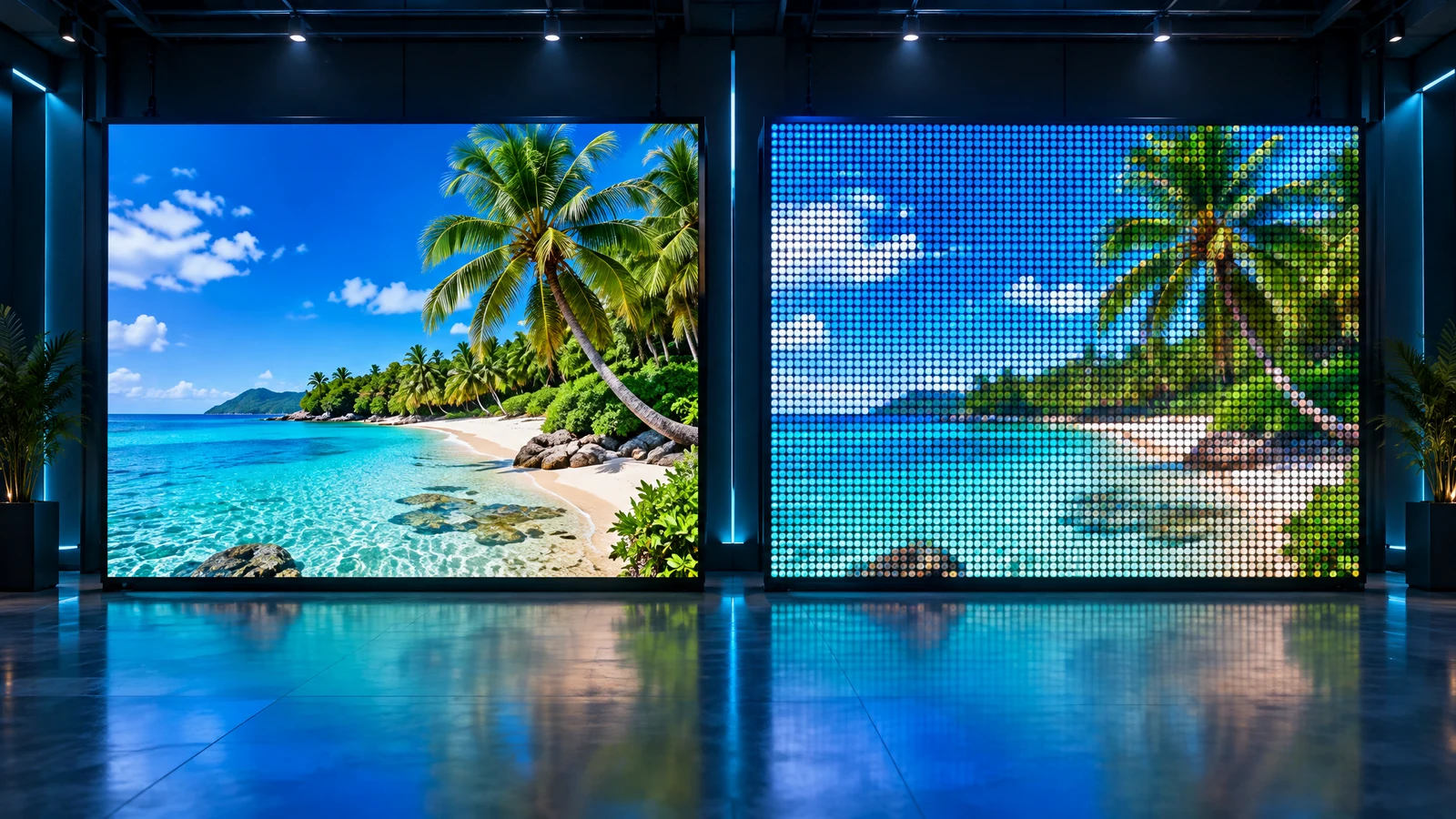
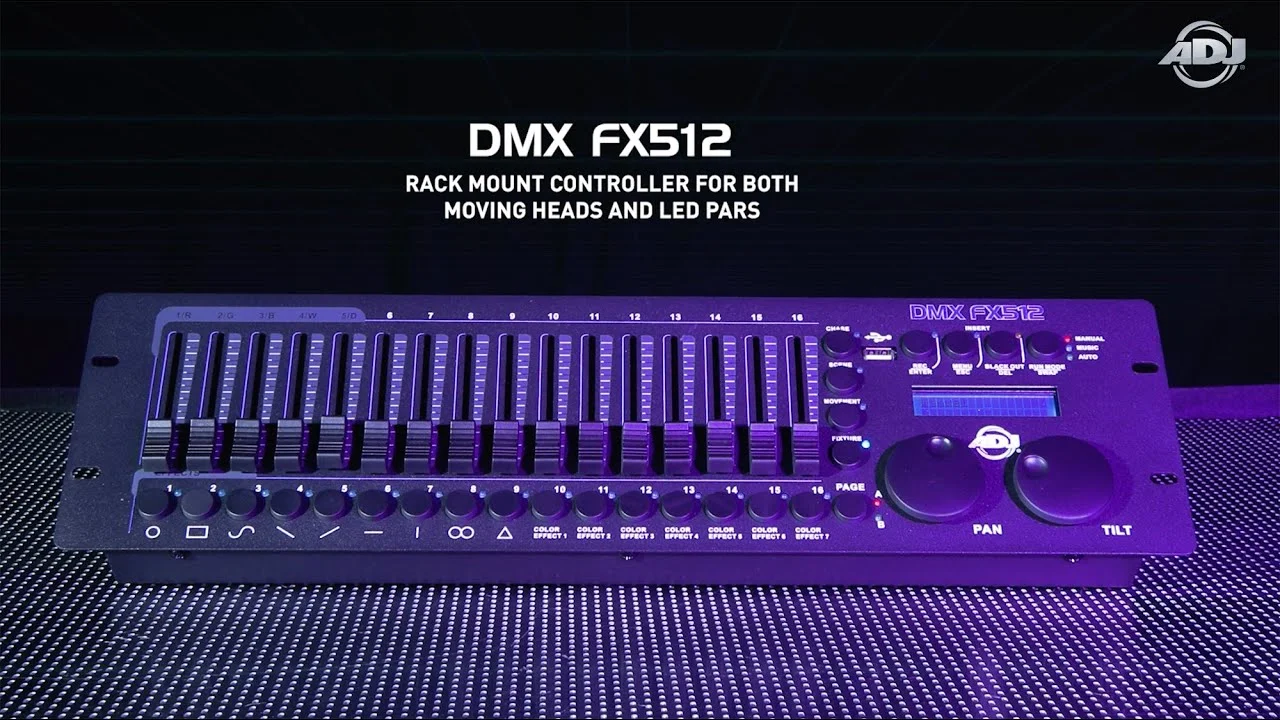
When dozens of fixtures on a club stage, in a restaurant, or on a building façade simultaneously change color and brightness to create a unified light show — the protocol behind it is almost always DMX512. It is the industry standard for controlling lighting and stage equipment, over 30 years old and still the backbone of professional lighting installations.
In this article we explain in plain language what DMX is, how it works, what cable it needs (and why you must not grab the nearest microphone cable), plus its strengths and weaknesses.
What Is the DMX512 Standard
DMX512 (Digital Multiplex) is a digital protocol that sends lighting control commands over a single data line. The signal travels one way only: from a DMX controller or lighting console to fixtures that only receive. This is an "active master — passive slaves" architecture.
- A single DMX line (called a "universe") carries 512 control channels. One fixture uses anywhere from 1 to several dozen channels (e.g., an RGB spotlight needs at least 3 — one each for red, green, and blue).
- Each fixture is assigned a starting address so it reads only "its" portion of the data. The address is set via DIP switches, on-screen buttons, or software.
- Fixtures are wired in series (daisy-chain) — the OUT connector of one fixture goes to the IN of the next.
- Physically the data travels over the RS-485 interface through XLR connectors (3-pin or 5-pin), or less commonly RJ-45 in permanent installations.
- A 120 Ω termination resistor is placed at the end of the line to prevent signal reflections.
- Multi-color RGB strips and modules require a DMX decoder that converts the digital signal to PWM (Pulse Width Modulation) for brightness and color control.
A single line should have no more than 32 fixtures. To add more or split the line into multiple directions, use DMX splitters; for runs longer than ~100–150 m, amplifiers (boosters) compensate for signal attenuation.
The DMX Cable — and Why It Matters
Here is the most common misconception. XLR connectors on DMX and microphone cables look identical, so many people connect lighting fixtures with an ordinary mic cable. It may work — right up until it doesn't.
DMX runs on RS-485 and transmits digital data at 250 kbit/s. For clean transmission the cable must meet strict specifications:
- Characteristic impedance of 110–120 Ω (120 Ω per DMX512-A). A microphone cable is only 45–75 Ω.
- Low capacitance — typically under 50 pF/m. Mic cables have much higher capacitance (~90 pF/m), which rounds off the edges of digital pulses.
- Shielded twisted pair, usually 24 AWG conductors, often with dual shielding (foil + braid).
Comparison: DMX Cable vs. Microphone Cable
| Parameter | DMX Cable (RS-485) | Microphone (Audio) Cable |
|---|---|---|
| Signal type | Digital, 250 kbit/s | Analog audio, 20 Hz – 20 kHz |
| Characteristic impedance | 110–120 Ω | 45–75 Ω |
| Capacitance | Low (<50 pF/m) | High (~90 pF/m) |
| Shielding | Often dual (foil + braid) | Usually single braid |
| What happens if misused | — | Signal reflections, flickering, fixtures freezing or behaving erratically |
| Reliable cable run | Up to ~300 m | Very short runs only |
Why you must not use a microphone cable: the impedance mismatch acts like a mirror — part of the signal bounces back, overlaps with incoming data, and corrupts it. On a short run with a couple of fixtures this may go unnoticed, but as the length and fixture count grow you get flickering, fixtures "doing their own thing", or a total loss of control. The higher capacitance further "eats" the sharpness of digital pulses.
«For DMX always use cable rated for RS-485 / 120 Ω (e.g. Belden 9842 or equivalent). Professionals often color-code DMX cables so they are never confused with audio lines.»
Advantages of DMX
- Cross-brand fixture compatibility — no "works / doesn't work" headaches.
- Simple installation: one cable run instead of dozens of separate wires.
- Savings on cabling and equipment.
- Quick fixture setup and mode changes.
- Ability to program a light show and play it back automatically.
Disadvantages of DMX
- Susceptibility to interference — mitigated by shielded cable and proper grounding.
- Amplifiers needed on long runs, adding extra cost.
- Limited fault tolerance: a single broken signal wire means every fixture downstream loses control. Splitters partially help (at additional cost).
Summary
DMX is a mature, professional lighting protocol: flexible, cost-effective to install, and compatible with equipment from any brand. But its reliability depends directly on proper design: the right cable, terminators, splitters, and amplifiers.
WLTT designs and installs lighting control systems, LED screens, and AV solutions in Thailand on a turnkey basis. We will help you select the equipment and cable infrastructure for your project — from a small bar to a building façade.