
Indoor installations
An image that works up close
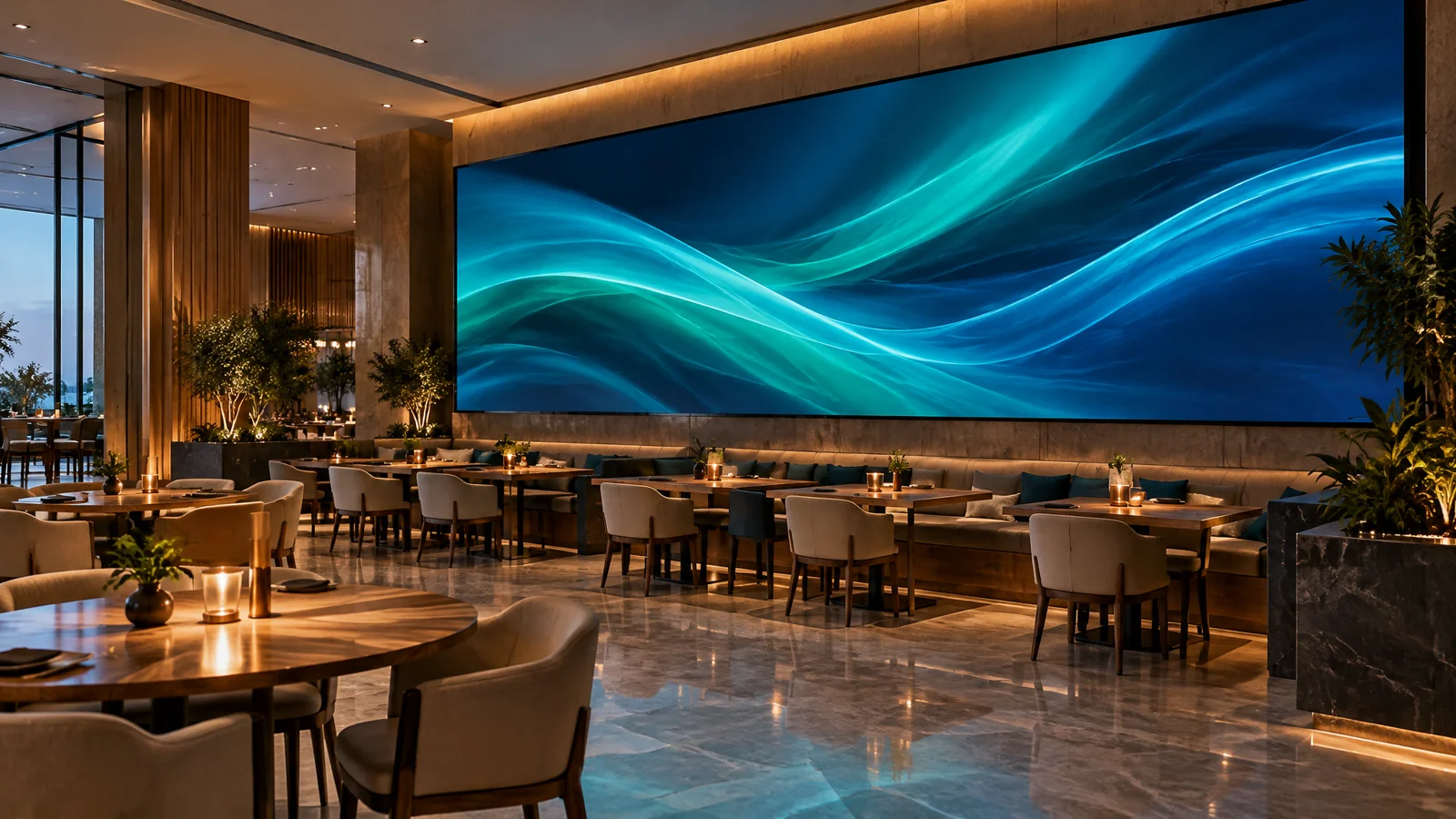
Menus, presentations, brand content and live video. Prioritise close-range readability, comfortable brightness and service access.
Restaurants · hotels · meeting rooms
Configure your display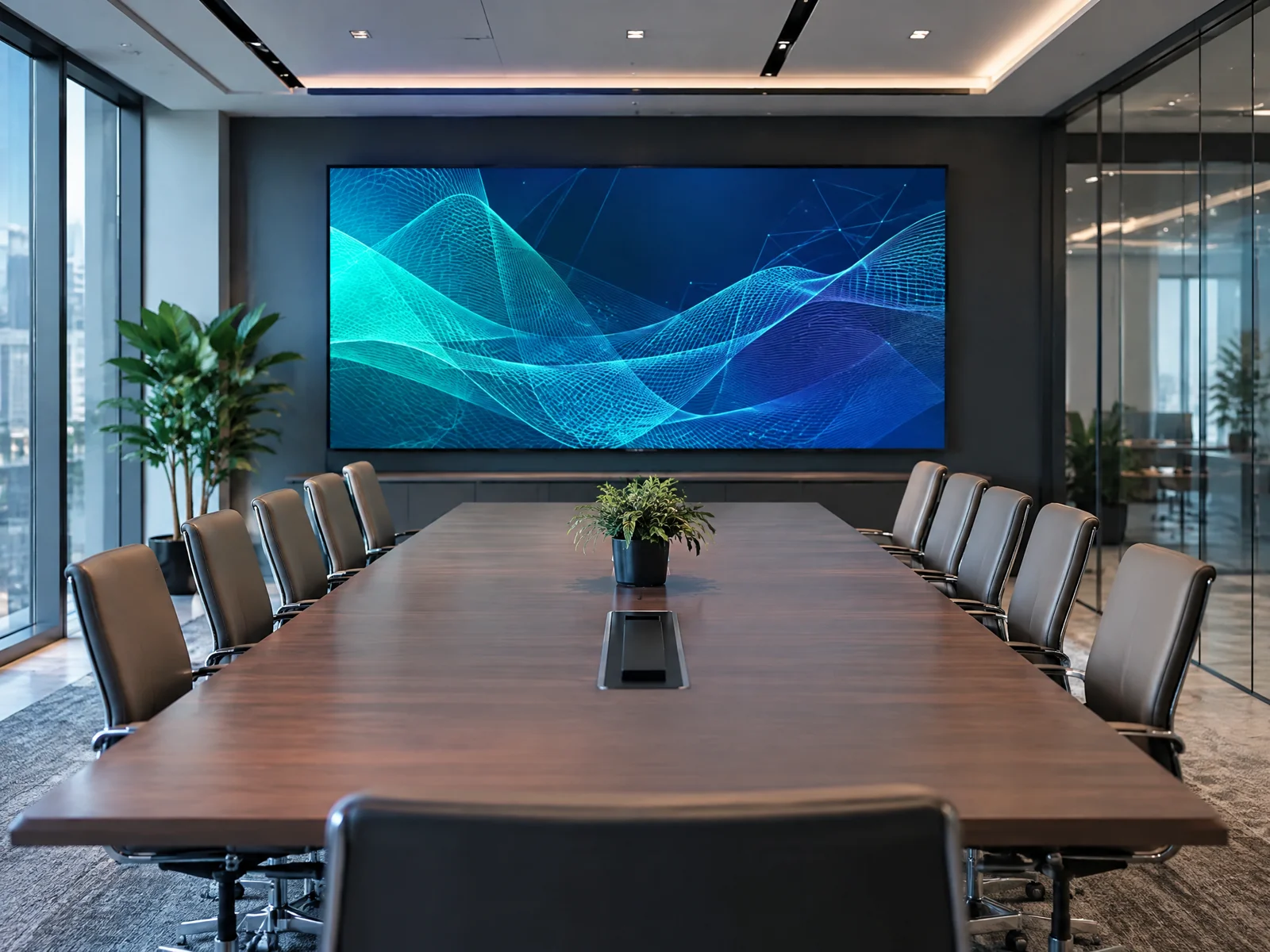
WLTT · LED solutions in Thailand
From an idea to the first show.
Restaurants, hotels, retail spaces and stages. We select the display around viewing distance, lighting and content — not just its diagonal.
Concept illustration, not a photograph of a completed project
Dimensions, brightness, construction and control should work together. We help define the requirements and develop a technical solution for your location.
Use case, viewing distance, content and installation conditions.
Module layout, mounting, power and signal routes.
Assembly, connection and image setup.
Content control, training and maintenance planning.
Start with the use case, then choose the technology.
Menus, presentations, brand content and live video. Prioritise close-range readability, comfortable brightness and service access.
Restaurants · hotels · meeting rooms
Configure your displayFor facades and entrances, account for sun, rain, temperature and the supporting structure. Connections need protection as well as the display.
Facades · entrances · outdoor venues
Configure your display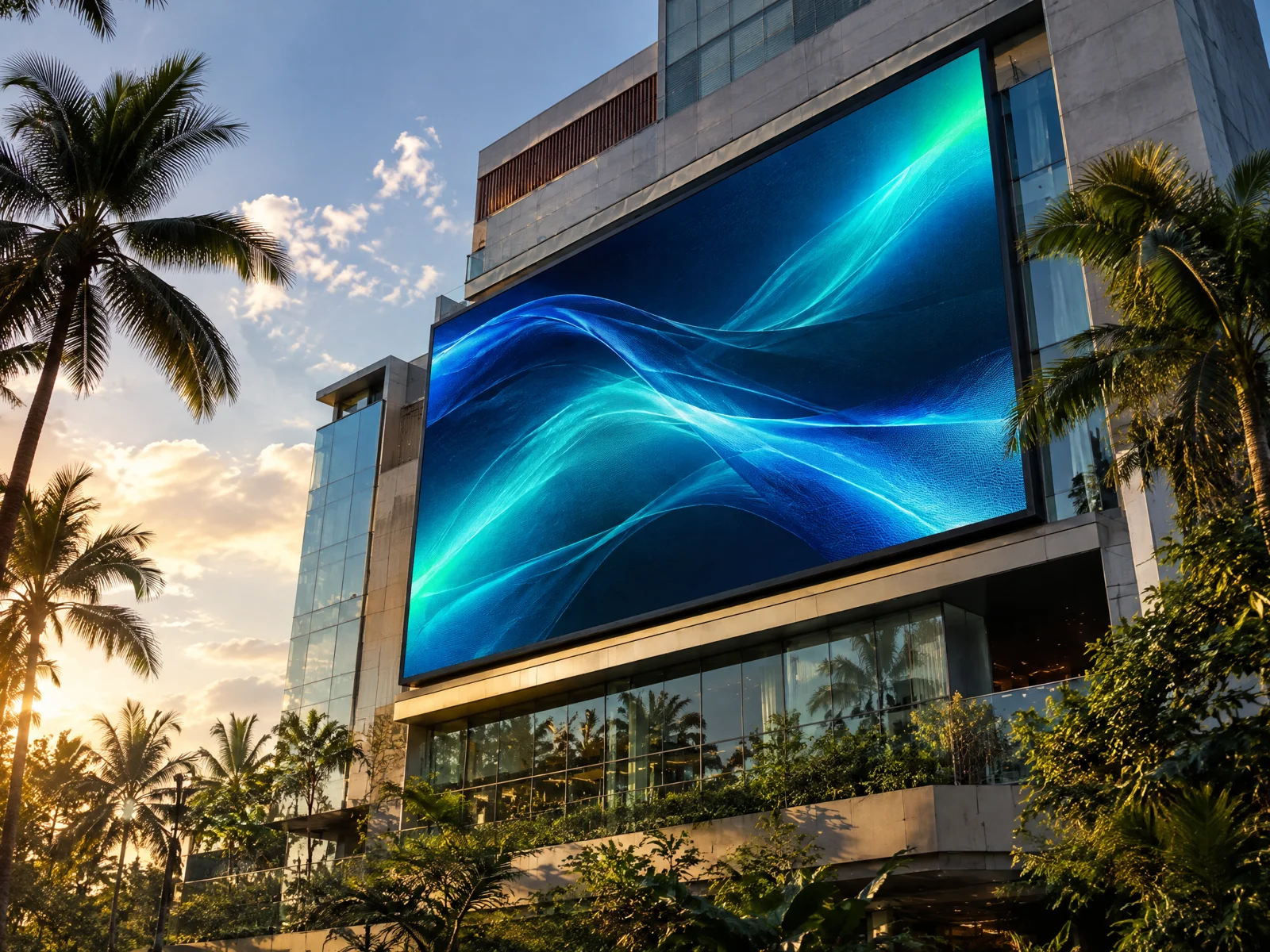
For events and changing layouts: quick-assembly cabinets, mounting and live-video control.
Curved surfaces, ribbons and unusual proportions. Geometry and service access need dedicated design.
Pixel pitch is the distance between the centres of adjacent LED pixels. A smaller pitch fits more detail in the same area. The choice still depends on the viewer, content and actual screen resolution.
Small text and details need a denser image. Check readability at the intended distance.
Match proportions and resolution to the source. A physically large screen is not necessarily 4K.
Large graphics and short messages may not need the smallest pitch. Contrast and content scale matter.
Explore image perception with scale calibration and different viewing distances.
Compare pitches in the simulatorCompare pixel pitches for your audience. These are perception guidelines, not guarantees of image quality or module availability.
Indicative minimum
2.5 m
Comfort guideline
5–7.5 m
Dot blending (1 arcminute)
8.6 m
Distance exceeds the calculated dot-blending threshold.
Minimum ≈ pitch in mm → metres; comfort guideline ≈ 2–3×; dot blending ≈ 3.44×. Eyesight, content and brightness affect perception.
| Pixel pitch, mm | Indicative minimum | Comfort guideline | Dot blending (1 arcminute) |
|---|---|---|---|
| 0.9 m | 1.8–2.7 m | 3.1 m | |
| 1.2 m | 2.4–3.6 m | 4.1 m | |
| 1.5 m | 3–4.5 m | 5.2 m | |
| 1.9 m | 3.8–5.7 m | 6.5 m | |
| 2.5 m | 5–7.5 m | 8.6 m | |
| 2.9 m | 5.8–8.7 m | 10 m | |
| 3.9 m | 7.8–11.7 m | 13.4 m | |
| 4.8 m | 9.6–14.4 m | 16.5 m | |
| 6 m | 12–18 m | 20.6 m | |
| 10 m | 20–30 m | 34.4 m | |
| 20 m | 40–60 m | 68.8 m |
Choose a pitch, content and viewing distance. Each luminous dot represents one LED pixel. Smaller pitches produce a denser grid.
JPG, PNG or WebP · up to 8 MB and 16 MP · no animation. Converted to WebP. Available for 20 days; automatically deleted within 21 days. The original is not stored.
Anyone receiving your link or QR code can view this image. Do not upload documents, bank cards or confidential information.
Minimum distance ≈
2.9 m
Comfortable viewing ≈
5.8–8.7 m
Angular resolution limit ≈
10 m
After calibration, the centre-to-centre spacing in 1:1 mode matches the selected pitch in millimetres. Before calibration, we assume an approximate density of 96 CSS pixels per inch.
The selected distance from 0.1 to 200 m adjusts the angular size of the grid relative to viewing your monitor from 60 cm. The image stays in place for comparison; this is not a scale model of a whole video wall.
This is an illustration, not a performance guarantee. Monitor density, eyesight, brightness, LED optics and content affect perception. Grids finer than the monitor resolution are smoothed. Compare real samples before selecting equipment.
Minimum distance: pitch in mm ≈ distance in m; comfortable viewing: about 2–3 times that distance. The theoretical resolution limit assumes one arcminute visual acuity and is not a required viewing distance.
| Consideration | Indoor | Outdoor |
|---|---|---|
| Lighting | Comfortable brightness for the room | Brightness suited to daylight |
| Protection | Indoor and cleaning conditions | Rain, dust, moisture and connections |
| Heat | Ventilation and visitor comfort | Sun exposure and heat removal |
| Service | Front or rear access | Safe facade and connection access |
LED WALL CONFIGURATOR
Choose the environment, construction and desired dimensions. Geometry is calculated using whole modules or cabinets; prices are not calculated.
WLTT · LED
Choose a standard size, open its preview and change pitch or construction. These are starting configurations, not stocked kits: control, mounting and installation are specified separately.
3.75 m² · P2.604 · 500×500 mm · 960 × 576 px
Selection and price on request
7 m² · P2.604 · 500×500 mm · 1344 × 768 px
Selection and price on request
11.25 m² · P2.604 · 500×500 mm · 1728 × 960 px
Selection and price on request
16.5 m² · P2.604 · 500×500 mm · 2112 × 1152 px
Selection and price on request
28 m² · P2.604 · 500×500 mm · 2688 × 1536 px
Selection and price on request
45 m² · P2.604 · 500×500 mm · 3456 × 1920 px
Selection and price on request
One large display or several display areas: define signal sources, schedules, live video and independent content first. Then select the controller and connection design.
Not a fixed kit first: your objectives and site conditions first.
Use case, viewing distance, content and installation conditions.
Module layout, mounting, power and signal routes.
Assembly, connection and image setup.
Content control, training and maintenance planning.
Share dimensions, location and your content scenario through the form or discuss them with the AI assistant.
Request selection