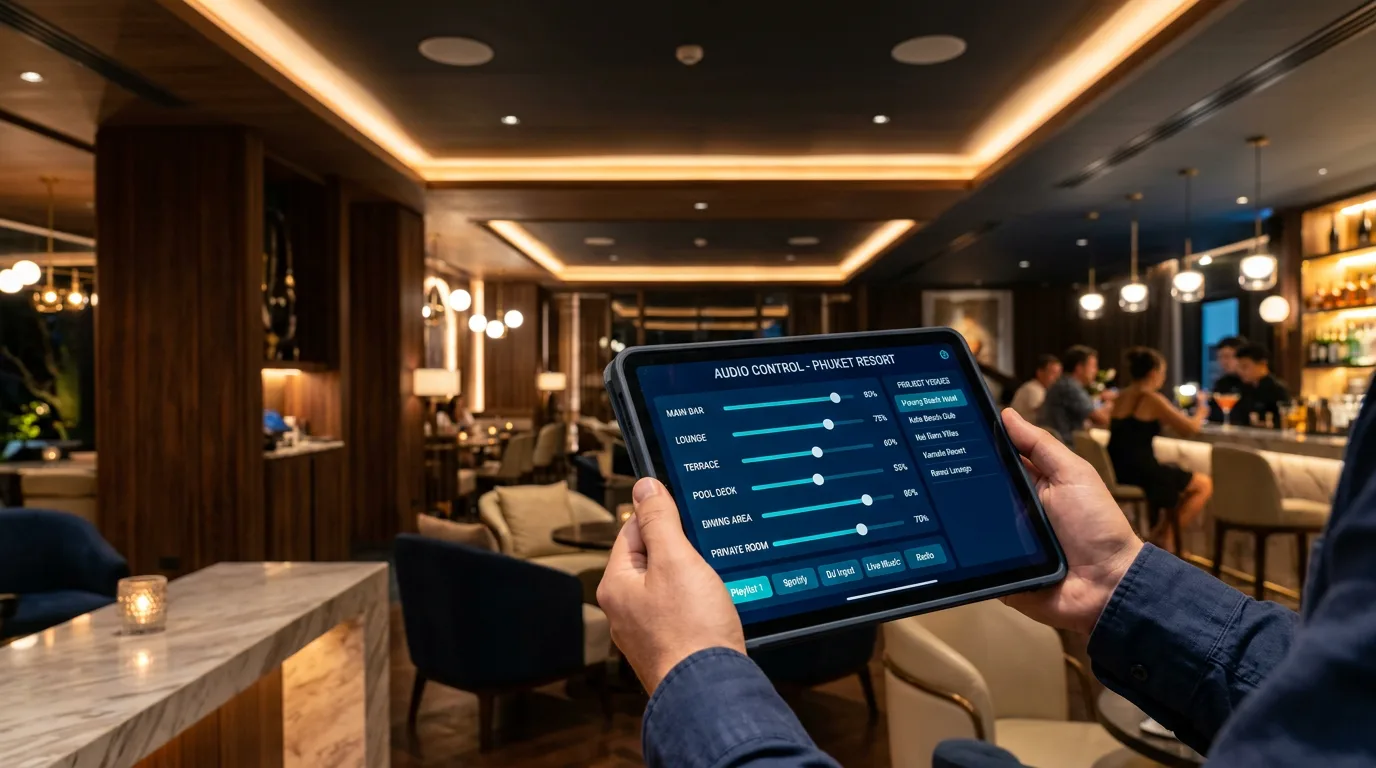
AUDAC has released version 3.0 of its free AUDAC Touch app — the single control platform for AUDAC audio systems: matrices, amplifiers, network panels and SourceCon modules. It is the most significant update in years: the app moves from a "one account, one list of devices" model to proper project-based management.
Note: in the App Store and Google Play the app is still called "AUDAC Touch 2" — version 3.0 arrives as a regular update.
Projects: one venue, one project
Installations can now be split into projects — a separate project for each restaurant, hotel or office, each with its own devices, dashboards and user list. For integrators and multi-site operators this brings order: no more single shared list and no more shared logins.
- Create new projects or migrate existing setups into a project.
- Add or remove Touch users from a project.
- Temporarily disable a user's access without removing them.
- Configure dashboard access and visibility for each user.
- Search, sort and filter projects and dashboards.
Roles: who can change what
Access within a project is role-based. This is the biggest practical benefit of 3.0: venue staff get a convenient remote, but cannot accidentally break the system configuration.
| Role | Permissions | Best for |
|---|---|---|
| Owner | Full control: devices, dashboards, project members and their roles | Integrator or system owner |
| Admin | Full access to device and dashboard configuration | Client engineer, technical partner |
| User | Assigned dashboards only: zones, sources, volume | Shift managers, reception, office manager |
The old dashboard locking mechanism has been replaced with new view and access controls — set per user rather than with a single shared lock.
What it looks like in practice
A hypothetical example: a group of three restaurants. The integrator is Owner in all three projects. The group's chief engineer is Admin and can add a zone after a renovation. Each venue manager is a User who only sees their own restaurant's dashboard, switches playlists and adjusts volume in the dining room and on the terrace.
What happens to existing setups
According to AUDAC, existing setups remain unchanged and stay available through your Personal Project after the update. You can then move them into separate projects and invite the right people. AUDAC Touch Plus licences are tied to the account, not to the app version.
«Before rolling the update out across a venue, we recommend updating one tablet first, checking dashboards and snapshots, and only then updating every staff device.»
Other improvements in 3.0
- Significantly faster snapshot loading.
- Migration to a new cloud provider with more powerful servers — dashboards, accounts and images still sync via the cloud.
- Dynamic volume control limits configurable directly in Device Settings.
- Voice File Player: integrated file browser and whole-folder playback in order, alphabetically or at random.
- Release notes inside the app and account verification status.
- Code signing for the Windows application and dashboard widget improvements.
Compatibility and system requirements
AUDAC Touch works with a large part of the AUDAC range: MTX48/MTX88 and LUNA-U/LUNA-F matrices, the XMP44 modular system with SourceCon modules (including NMP40 for Spotify and Soundtrack Your Brand), SMA/SMQ/PMQ amplifiers, AMP203/AMP523, MFA208/216, NWP network panels, the NCP105 wall controller, VEXO active loudspeakers and ARU relay units. AUDAC recommends contacting support for the latest compatibility list.
| Platform | Requirements |
|---|---|
| iOS / iPadOS | iOS 18 or later |
| Android | official build of Android 9 or later |
| Windows | Windows 7 x64 or later (portable and installer versions) |
| macOS | separate builds for Apple Silicon and Intel |
| Linux | x64, AppImage |
Where to download
The app is free on every platform. Premium features (AUDAC Touch Plus) are purchased separately and tied to your account.
- iOS — App Store — listed as "AUDAC Touch 2"
- Android — Google Play or APK file
- Windows: portable or installer
- macOS: Apple Silicon or Intel
- Linux: AppImage x64
- Official AUDAC Touch page
What it means for venue owners
- Staff control music from a phone or tablet without seeing engineering settings.
- A departing employee's access can be switched off in seconds.
- For multi-site groups — one system, but each venue sees only its own.
- The integrator can service the system remotely instead of driving out for every small change.
WLTT designs, installs and maintains AUDAC audio systems in Phuket and across Thailand: restaurants, beach clubs, hotels and offices. We can help you update to AUDAC Touch 3.0, organise your venues into projects and set up staff roles.