The phone at the host stand rings — a guest wants to book a table for Friday night. The host opens a notebook or an Excel sheet, confirms the party size, asks for the name again, writes down a number. An hour later, another call. Then another. On Friday, two out of five who booked never show up — and their tables sit empty on the busiest night of the week.
This is a story familiar to anyone who has ever managed a restaurant or bar with any real volume. Managing reservations manually is not just an inconvenience. It is a measurable loss: empty tables, untapped revenue potential, overloaded staff.
This is the third article in our series about the ResoGuest platform. Earlier we covered why a POS system sees a transaction but not a guest, and how the loyalty module works. Now — the reservation module.
The booking widget: what it is and how it works
The ResoGuest reservation module includes a customizable widget that embeds into the venue’s website or opens via a direct link. The guest picks a date, a time, a party size — and immediately sees available slots. No phone calls, no waiting for an answer.
The widget adapts to your branding: colors, fonts, logo. It works on any device and supports multiple languages, which matters especially for venues in the tourist locations of Thailand and Southeast Asia, where guests speak many different languages.
Once a booking is confirmed, the guest automatically receives a notification — via Telegram, WhatsApp or SMS, depending on the venue’s settings. A few hours before the visit, a reminder arrives. It is a simple mechanic that dramatically reduces the no-show rate — those who booked and never came.
The floor map and real table management
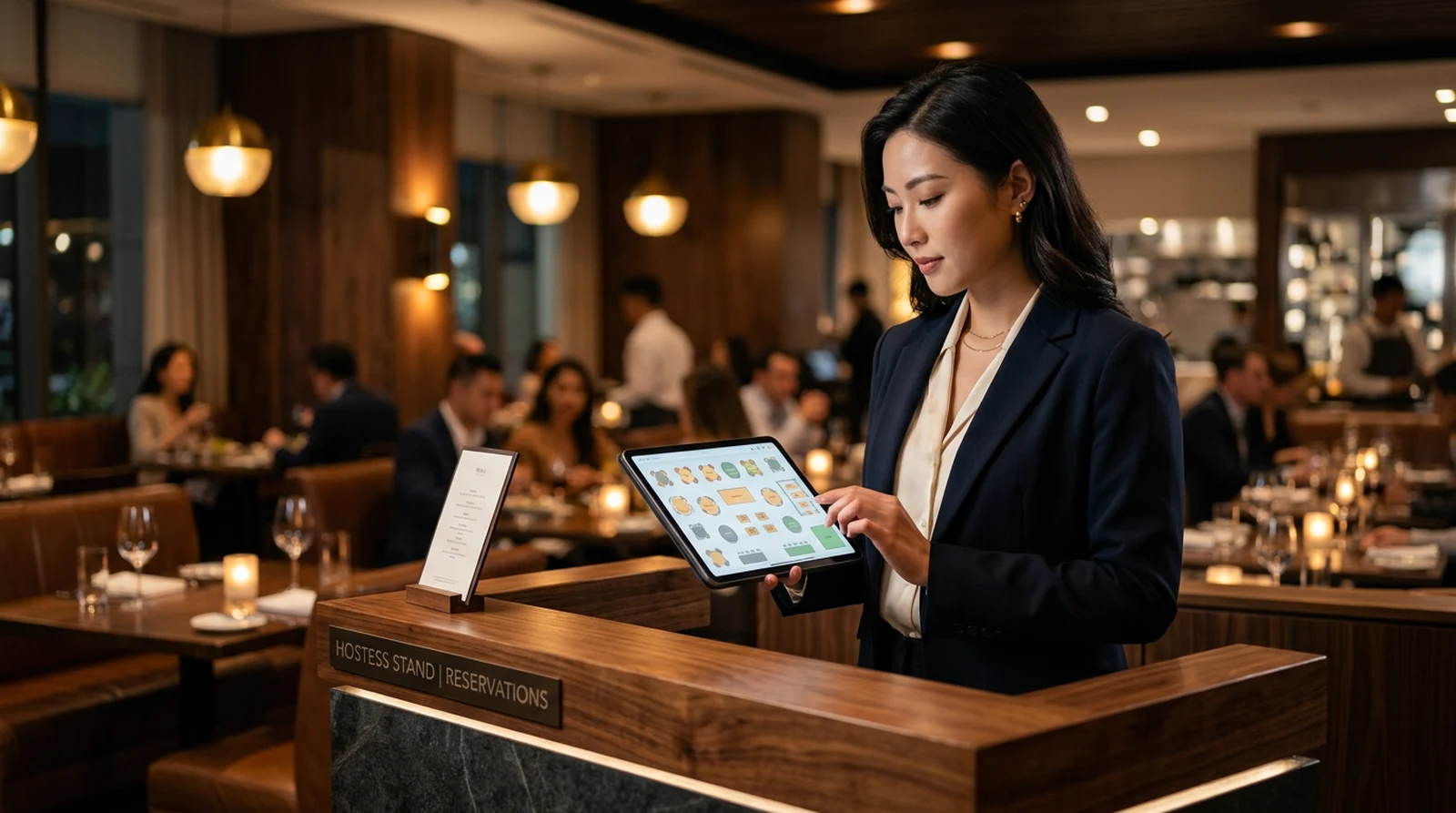
A reservation is not just an entry on a list. It is the management of space. ResoGuest includes a floor map editor where the host sees the table layout in real time: which are occupied, which are booked, when they free up.
When a new booking comes in, the system suggests a specific table — accounting for party size, zoning settings and guest preferences, if they are known from history. The host confirms or reassigns. No paper lists, no verbal handoffs between shifts.
For venues with several zones — a terrace, a main hall, VIP rooms — zoning is configured separately. Each zone can have different rules: a minimum party size, a minimum check, a deposit requirement.
Deposits and online prepayment
No-shows are a chronic pain of the restaurant business. According to the venues ResoGuest works with, on Friday and Saturday nights up to 20% of booked tables sit empty. That means those tables are not sold to walk-in guests.
The module supports deposits at booking. The guest pays a small amount online — through an integrated Thai payment gateway that accepts cards, PromptPay QR codes and e-wallets popular in the region. The deposit is deducted from the bill at the visit. If the guest does not show up and does not cancel, the deposit stays with the venue.
Practice shows that even a small deposit (200–300 baht) cuts no-shows from 15–20% down to 3–5%. A guest who has paid anything at all either cancels in advance or actually shows up.
Syrve integration: the booking appears in the terminal
For venues running on Syrve, reservations from ResoGuest flow automatically into the POS system. In iikoFront, the host sees upcoming bookings without switching between apps. The table is marked as reserved in the system.
This eliminates one of the most common sources of error: a guest arrives and staff are unaware of the booking because the record “was in another system” or “someone wrote it in a chat but never passed it on.” Now — automatically.
Waitlist and walk-ins
On busy nights, when all tables are taken, ResoGuest supports a waitlist. A guest can join the queue through the widget or on-site through the host. When a table frees up, the system automatically notifies the next person in line.
Walk-in guests — those who come without a reservation — are also registered in the system. This matters: every guest with a phone number and a visit history is a potential participant in the loyalty program.
What happens to reservation data
Every reservation is a data point in the guest profile. The system remembers zone preferences, visit times, party size. Gradually the profile becomes rich enough to personalize not only offers but the service itself: the host sees that a guest always asks for a quiet spot and assigns the right table before the guest even asks.
Reservation analytics is a separate tool for management decisions. Load by day and time of day, average table turn time, conversion from booking to actual visit, the most active zones and the “dead” corners of the room. This data helps plan staff shifts, adjust booking rules and handle peak load.
Automation instead of routine
The point of the reservation module is not simply to move a notebook into digital form. The point is to eliminate manual work where it adds no value. The guest picks a time — without a call. The reminder goes out on its own — without staff. The booking appears in Syrve — without manual re-entry.
«The result: the team spends less time on operational routine and more on what actually shapes the guest experience.»
In the next articles of the series we will cover the remaining modules of the platform — working with reviews and reputation, and automated guest communications.