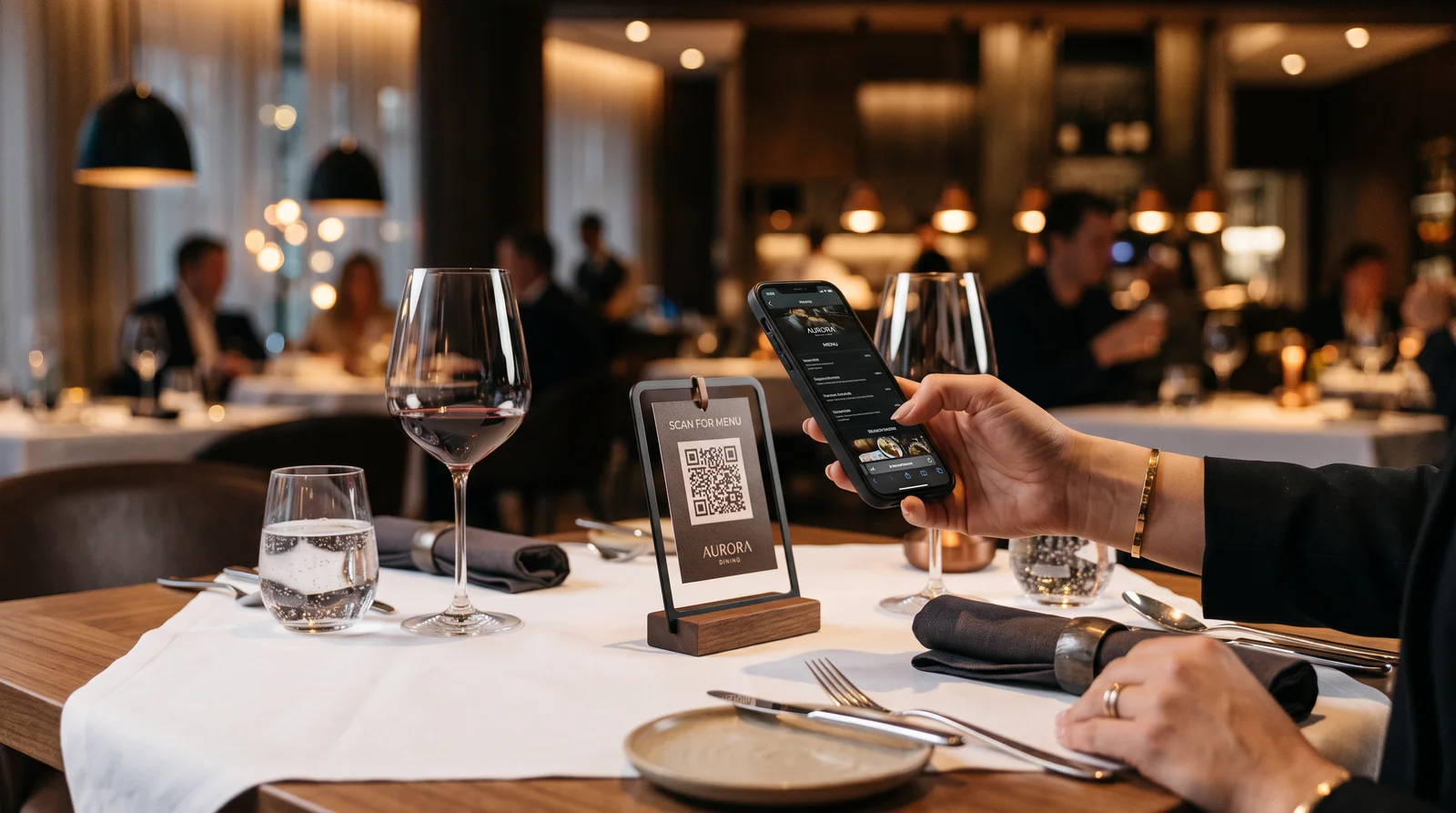
After the pandemic QR menus became commonplace. In most restaurants in Bangkok, Pattaya, Phuket there is a small tent card or sticker with a QR code on the table. The guest scans it — a PDF or a page with photos of dishes opens. Then the guest still waits for the waiter to place the order.
This is half the solution. The full version looks different: the guest scans the QR, selects dishes in the interface on the phone, confirms the order — and it goes straight to the kitchen, bypassing the waiter. No waiting, no transmission errors.
This is the fourth article in our series about the ResoGuest platform. Earlier we covered the founding story, the loyalty module with Apple Wallet and Google Wallet, and the reservation system. Now — the QR ordering module for dine-in.
How QR dine-in works
Each table in the dining room gets a unique QR code. When scanned, a menu opens — nicely formatted, with photos, descriptions, prices. The menu is pulled from Syrve: categories, items, current prices. If a dish runs out — it disappears from the menu automatically.
The guest scrolls through the menu, adds items to the cart, adds a comment if necessary — "no onions", "spicier". Clicks "Order". The order goes into Syrve: a new order with the table number appears on the terminal. The cook sees the task. The waiter brings the ready dishes.
This entire process does not require the guest to install an app. A phone camera is enough.
Seat-level QR: order from a specific seat
For venues with high guest density — for example, in a bar or food court — ResoGuest supports QR codes at the seat level: not just the table, but a specific chair or seat at the counter.
When scanning, the guest sees that they are ordering "Table 7, seat 3". The order arrives in Syrve with the corresponding note. This reduces confusion during delivery: the waiter knows exactly where to bring the dish in a crowded dining room.
The setup is flexible: for a round table with 8 seats you can create 8 seat-QRs. For a simple two-seat table one code per table is enough.
Menu from Syrve — always up to date
One of the main problems with QR menus is the discrepancy between what is written on the menu and what is actually in the kitchen. The guest orders a dish, the waiter comes to say it is not available. Disappointment, lost time.
In ResoGuest the menu is pulled directly from Syrve. This means that pricing, dish composition and item availability always match what is actually there. No manual synchronisation, no outdated PDFs.
If a particular venue — and ResoGuest supports multi-location groups — has a special menu or daily specials, they can be configured separately. Breakfasts, business lunches, evening menus — all these formats are supported through time slot settings.
Online payment straight from the phone
The QR ordering module is integrated with a payment gateway. The guest can pay the bill from their phone — by card, via QR PromptPay or e-wallet — without waiting for the waiter to bring the terminal.
For venues where table turnover speed is critical, this is significant: the guest paid and left, the next one took the seat. For the guest — no need to catch the waiter's eye and wait for change.
When paying, loyalty points can be applied right in the order interface — write off part of the amount if enough has been accumulated on the card.
What the kitchen and the floor get
From an operational standpoint, QR dine-in reduces the load on waiters in terms of taking orders — but does not replace them completely. The waiter stops being a translator ("the guest wants pad thai, not spicy, with chicken") and becomes the one who provides service: brings dishes, communicates, answers questions.
There are fewer errors in order transmission: the guest enters the wishes themselves, they literally go into the system. No broken telephone — "the waiter misunderstood" or "forgot to mention the allergy".
For the kitchen — a stable flow of orders with precise table indication. For the manager — an additional data point: which dishes are ordered via QR, how this correlates with ratings, whether there are delays between order and serving.
When it works best
QR dine-in shows maximum return in several scenarios.
Venues with high load during peak hours: QR allows taking orders in parallel from several tables at once, without creating a queue to the waiter.
Beach restaurants and poolside bars: the guest is far from the counter, there are few waiters in a large area — QR solves the accessibility problem.
Multilingual audience: the menu on the phone can be shown in several languages. The guest switches the language themselves, without overloading the staff.
Venues with an educational menu function: when a description of the composition, allergens, macros, product origin description is attached to the item — the guest studies it themselves on the phone, at their own pace.
«QR dine-in is not a replacement for live service. It is a tool that takes on the technical part of the work and allows the team to focus on what a machine cannot do: creating genuine hospitality.»